The memorization system built for hifz, not a repurposed LMS.
Track accuracy and tajweed per session, record every recitation, keep parents informed automatically, and give teachers the dashboard they actually need.
Running a hifz school on spreadsheets and WhatsApp?
You are not alone. These are the three things every school we talked to said out loud.
Progress lives in scattered notebooks
Every teacher tracks accuracy, tajweed, and pages differently. When a student switches class, the history is gone.
Parents only hear the headline
Weekly WhatsApp updates, maybe. No scores, no recordings, no context. Parents feel disconnected from their child's journey.
Teachers cannot see the whole picture
Who is falling behind? Which class is improving? No dashboard, no trends, no way to know until it is too late.
Features
Everything a hifz school actually needs
Not a generic school LMS. Every field, every report, every screen is designed around how Qur'an memorization actually works.
01
Key Feature
The daily teaching workflow, end to end
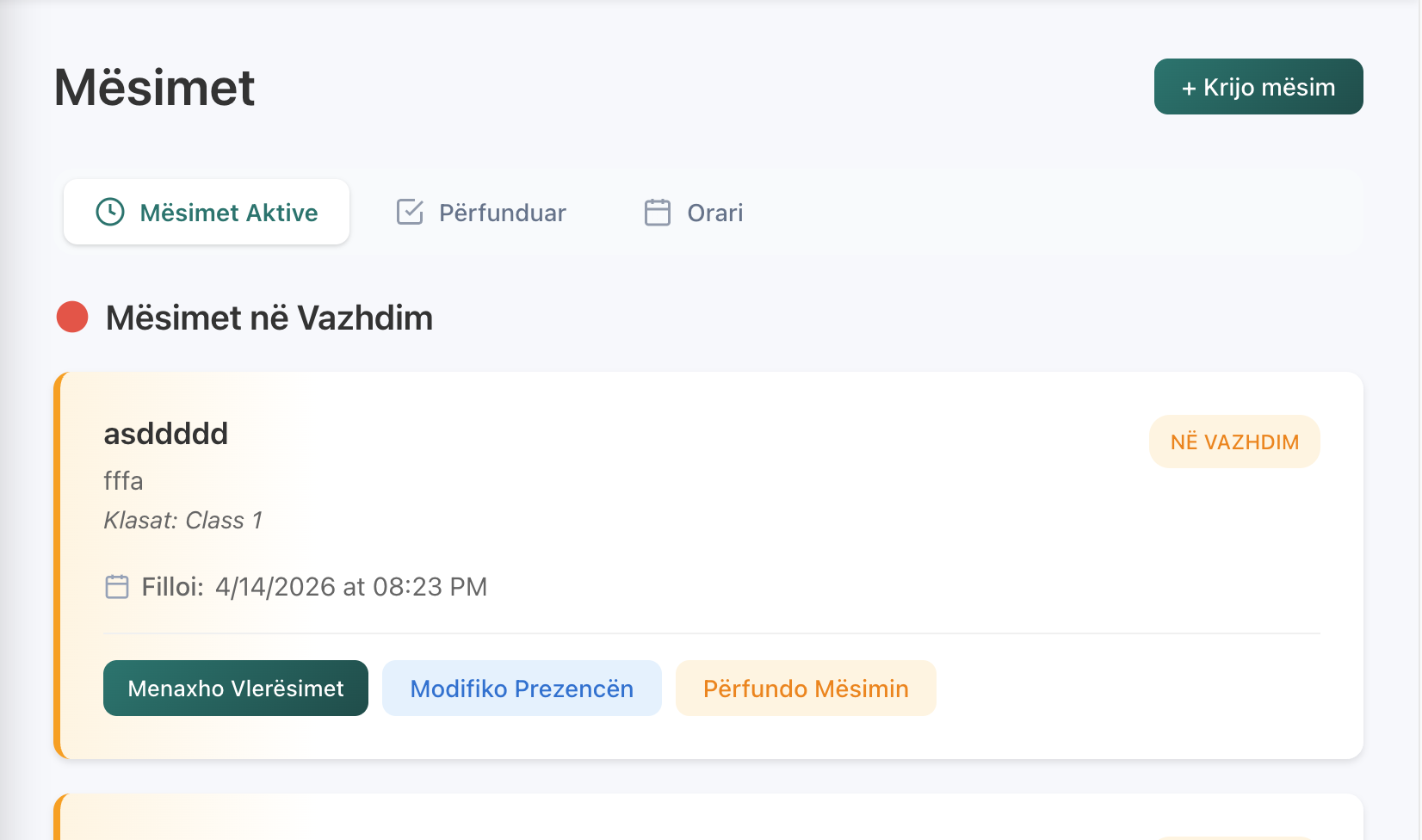
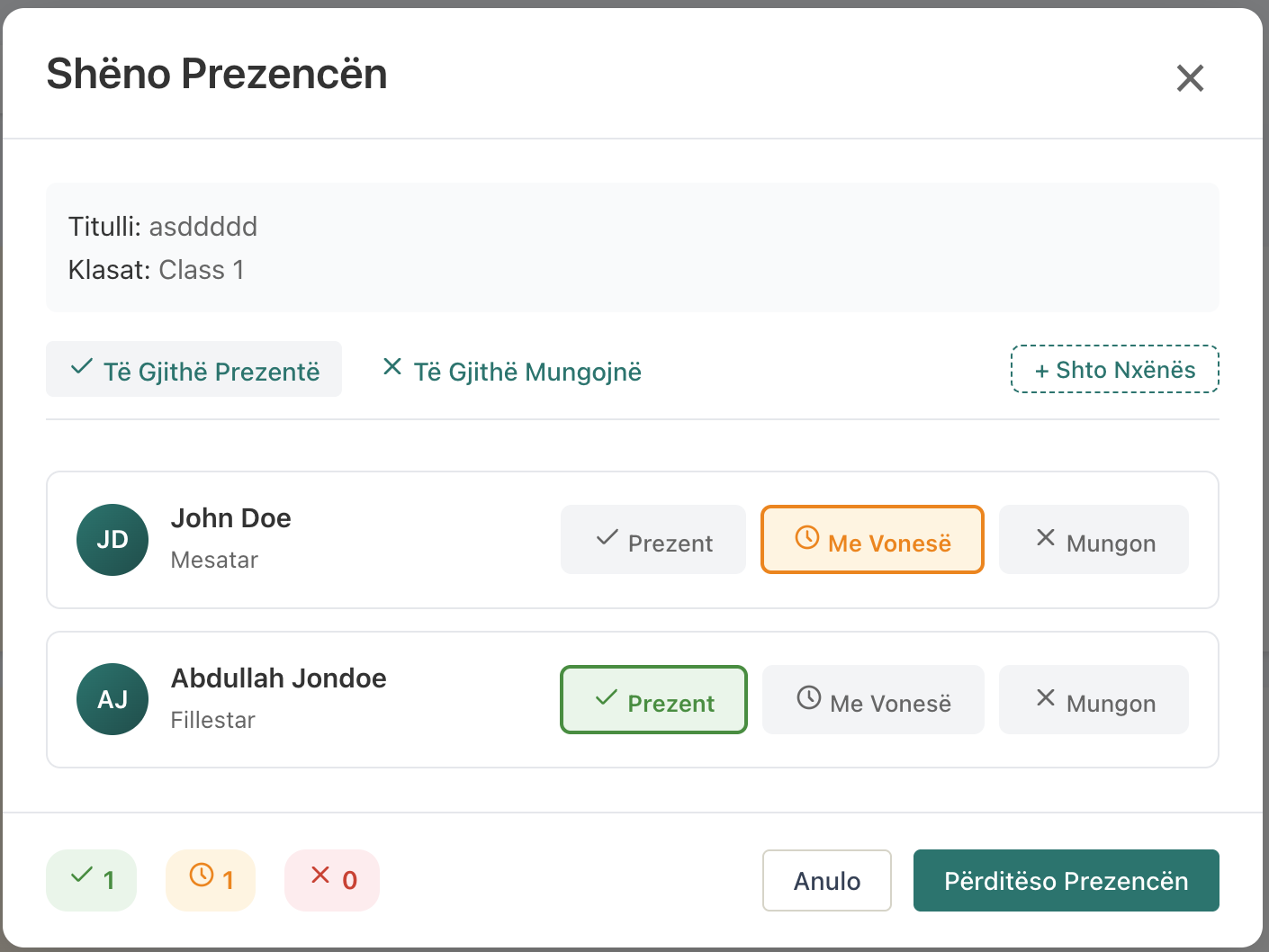
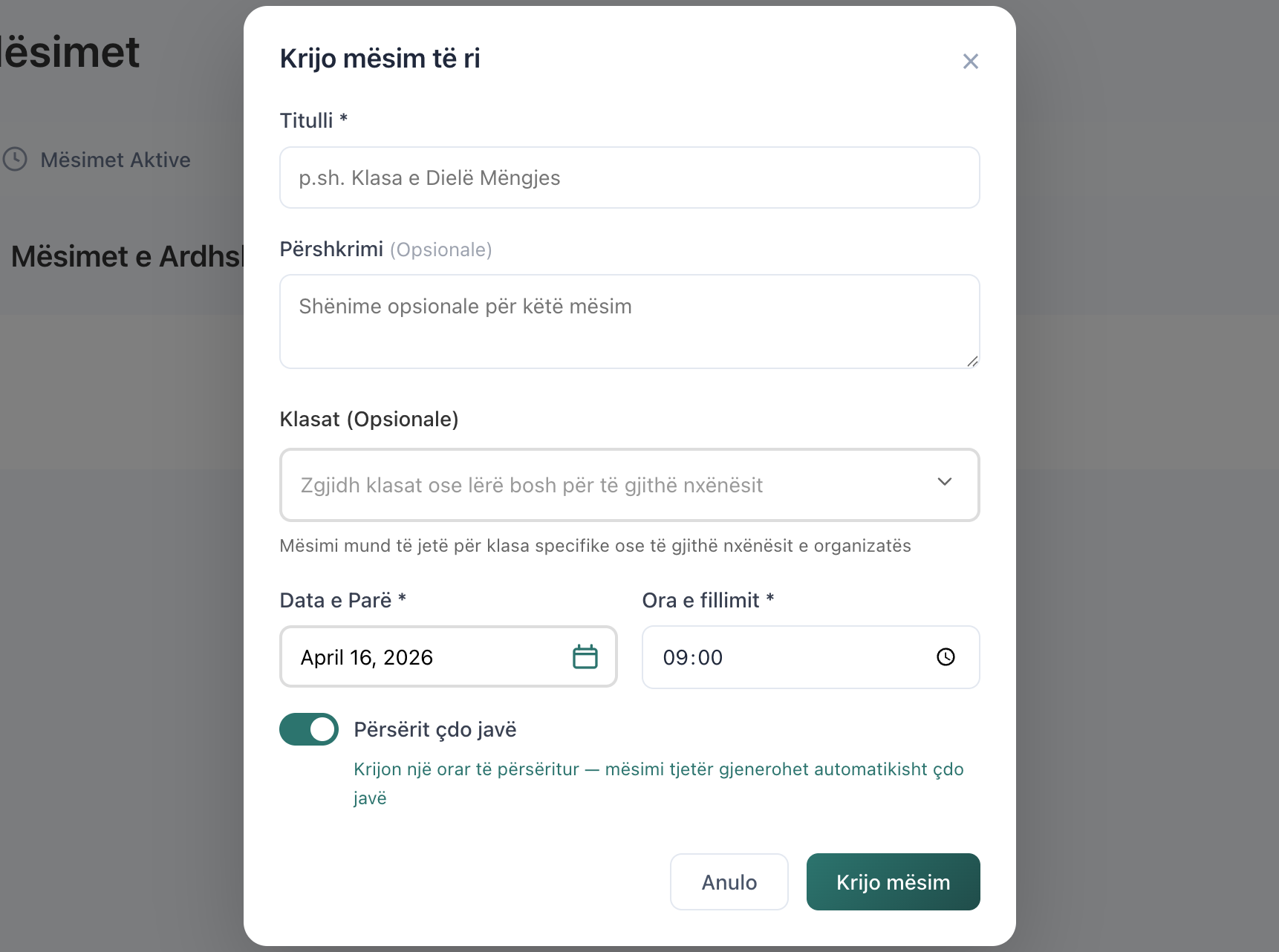
One screen covers the whole class. Start a session, mark who showed up, record each student's recitation with accuracy and tajweed, attach a voice recording, end the session. No switching between tools, no separate attendance sheet, no stopwatch — it's one flow the teacher can finish in the minutes after class.
Start a session from a class or on the fly
Mark attendance in bulk — present, late, or absent
Record assessments inline, end session when done
02
Key Feature
An assessment form that speaks hifz
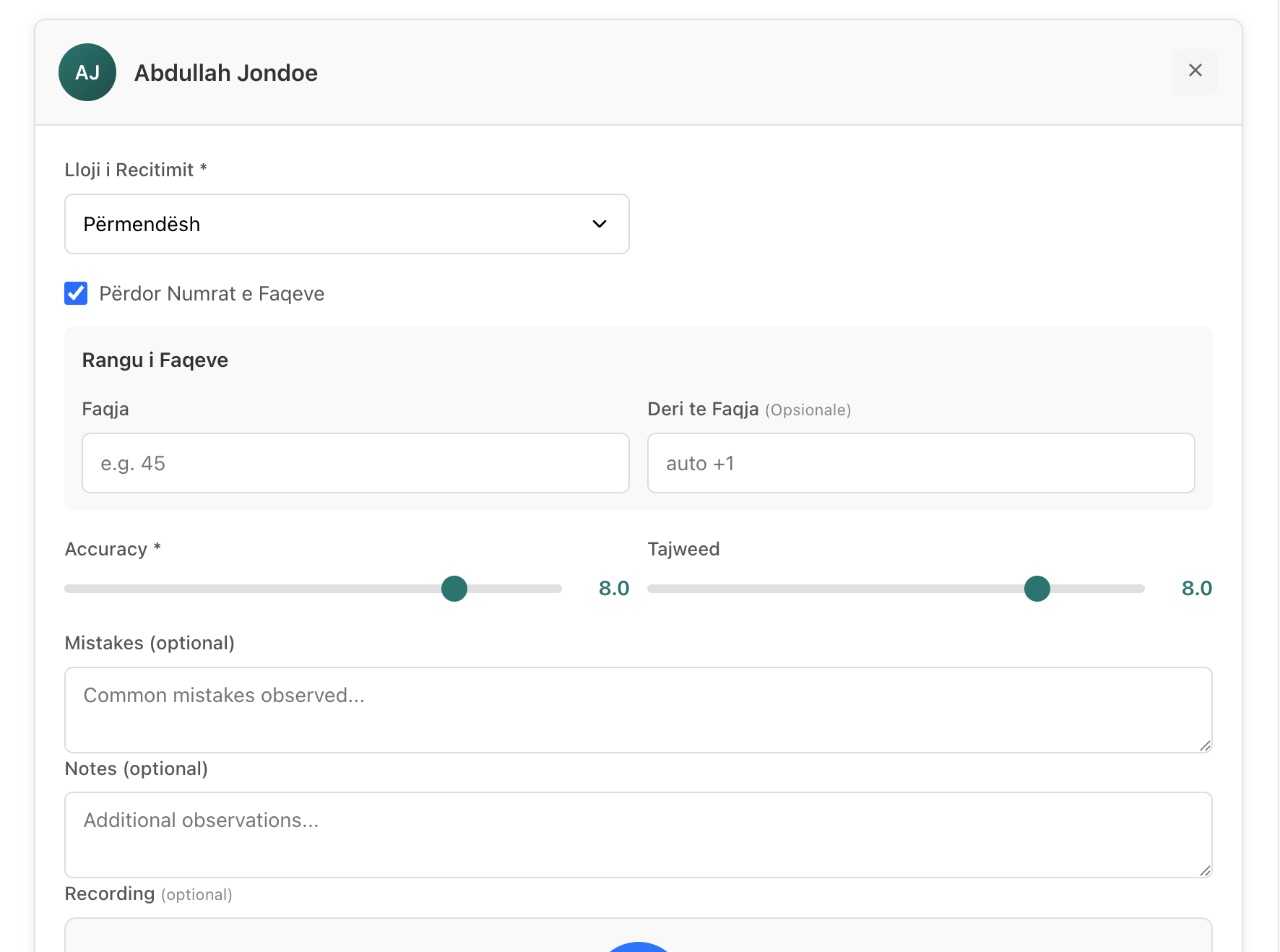
When the teacher records a student's recitation, the fields match what they already track on paper: recitation type (memorization or murajah), page range, accuracy and tajweed as separate scores, mistakes, and notes. Not a repurposed LMS gradebook — the form is designed around how hifz is actually taught.
Separate accuracy and tajweed scores
Recitation type and page range per entry
Mistakes and notes captured alongside scores
03
Key Feature
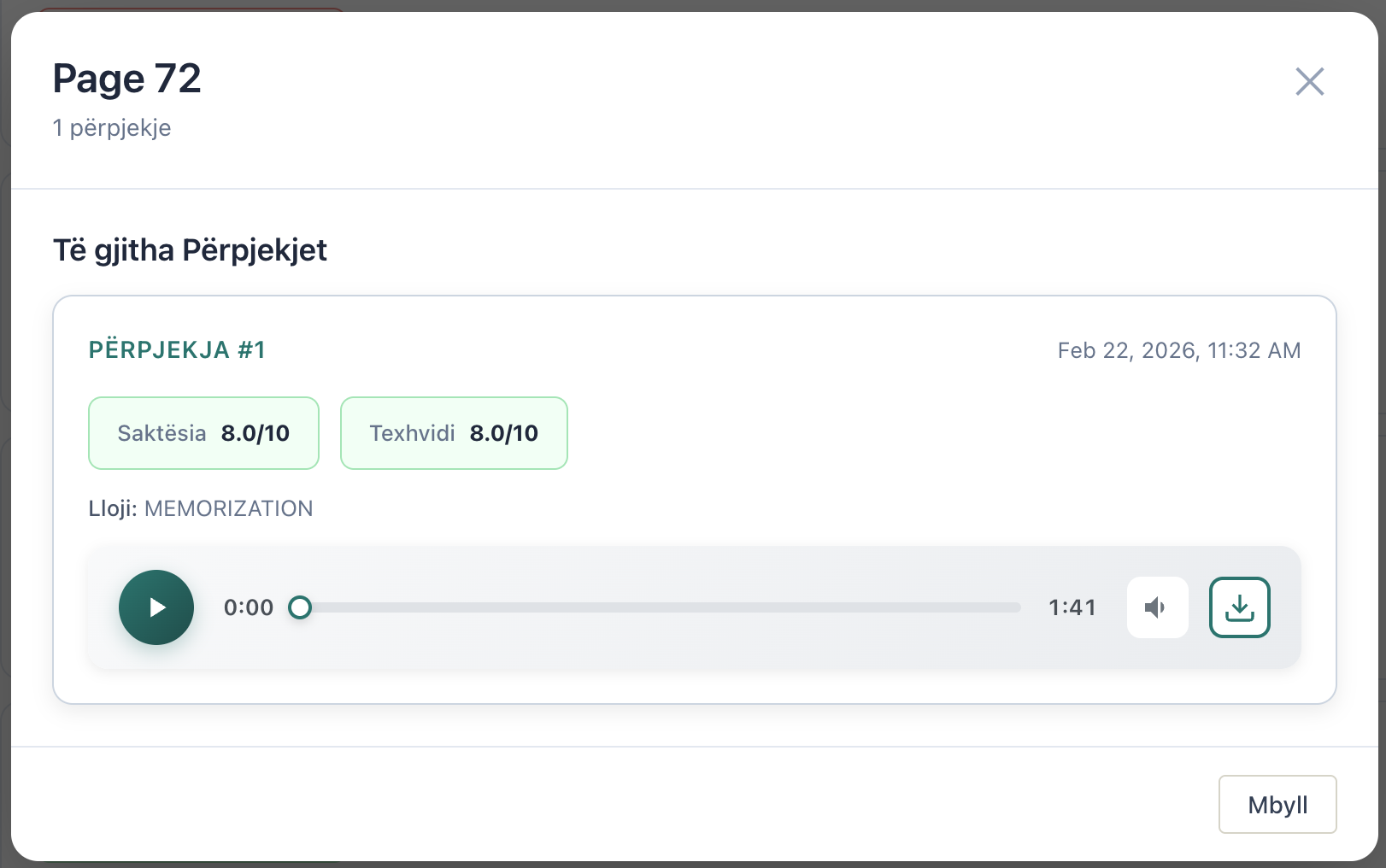
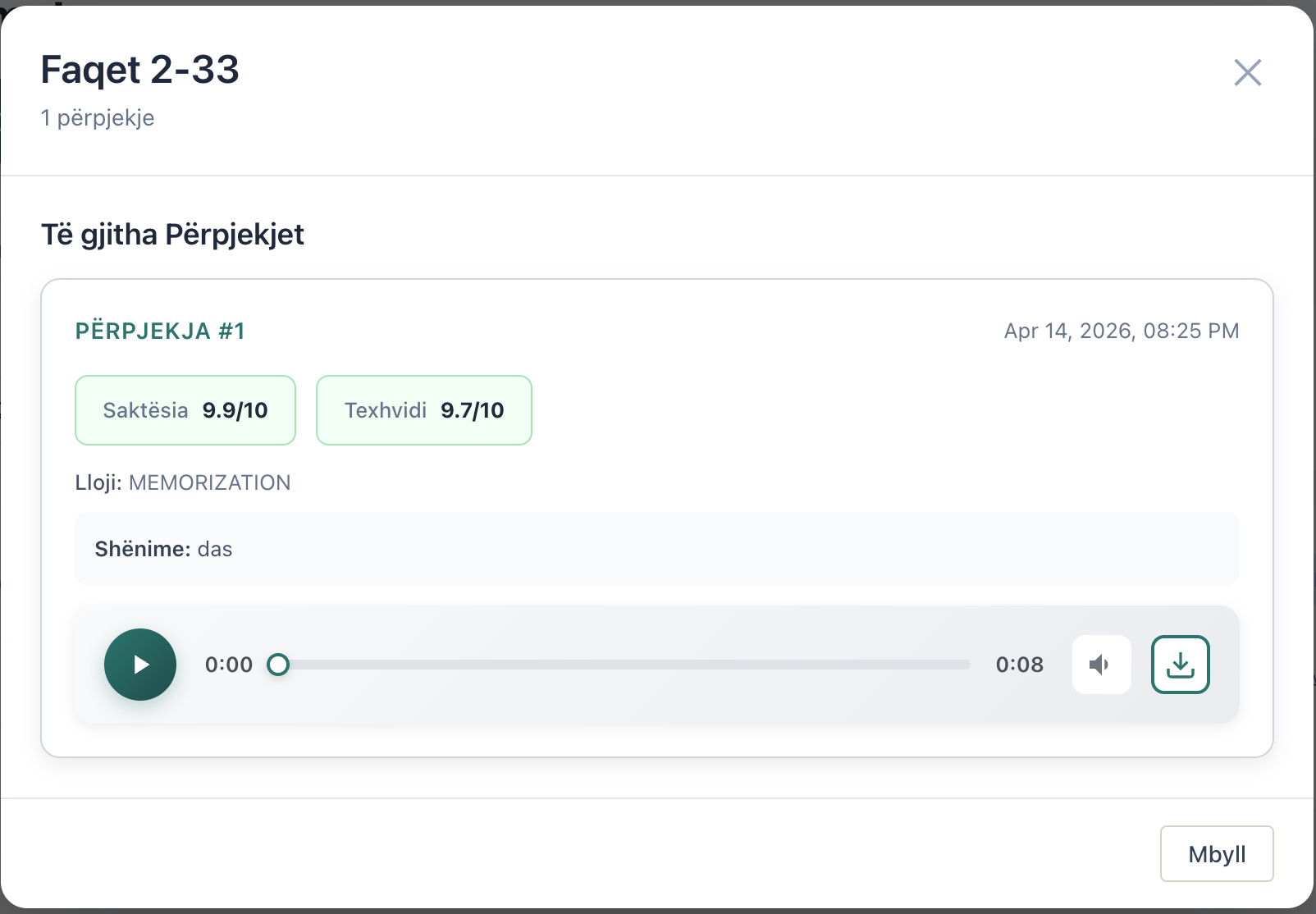
A recording for every recitation
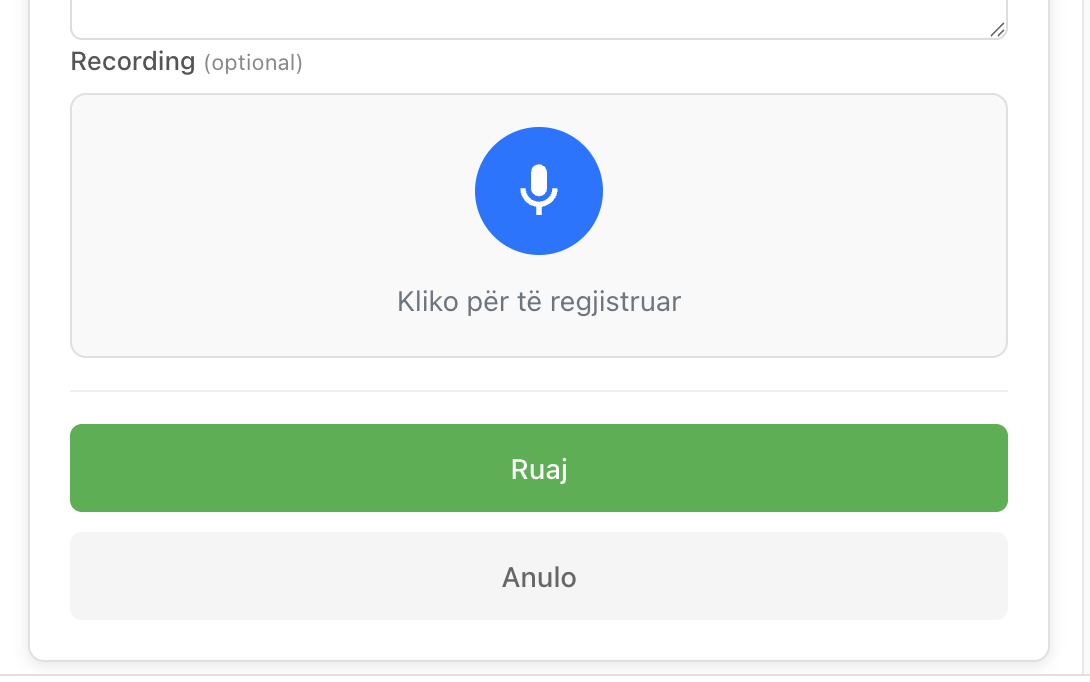
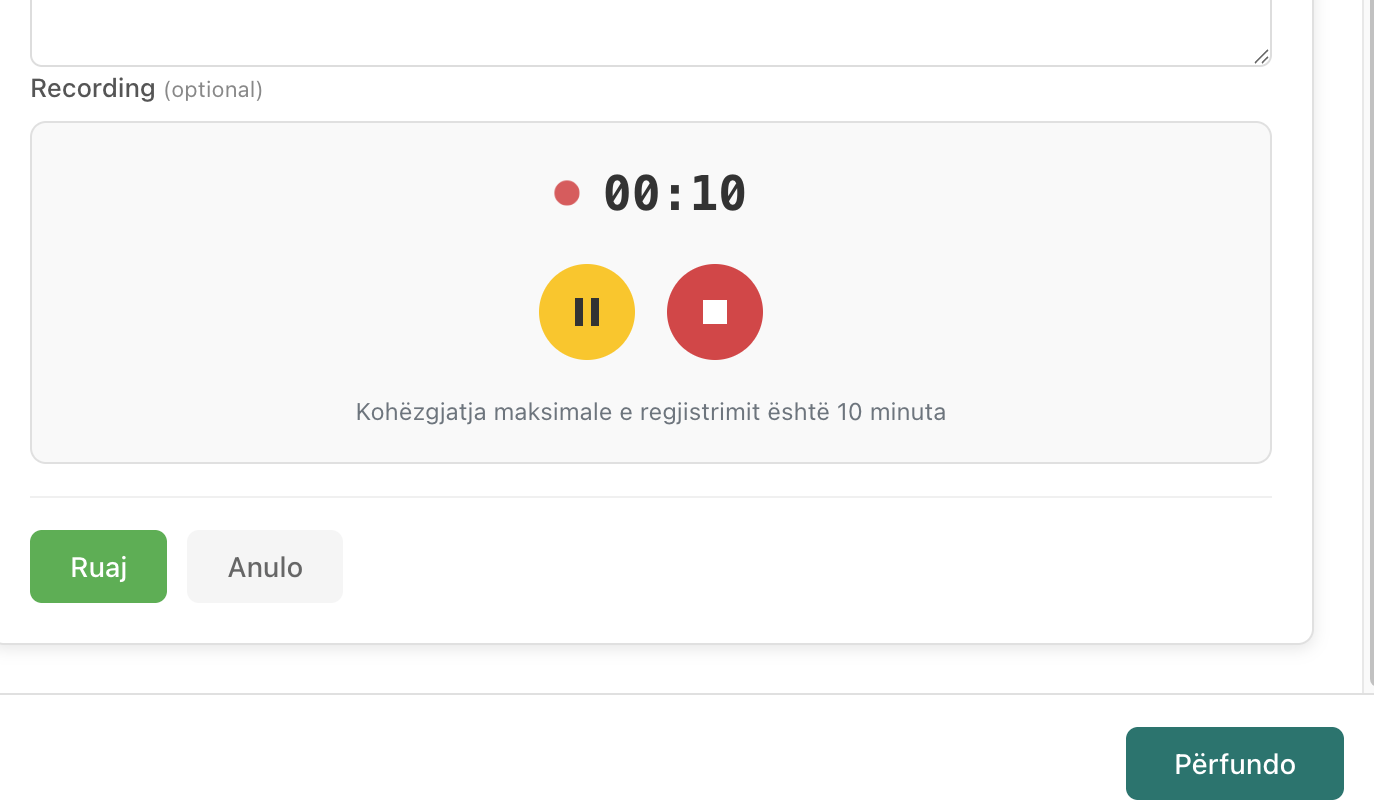
Teachers capture the student's recitation directly in the app. Recordings are attached to the assessment, downloadable with student name, juzz and page in the filename, and stay organized without any manual filing.
In-app recording capture
Attached to the specific assessment
Parents can listen from the parent portal
04
Key Feature
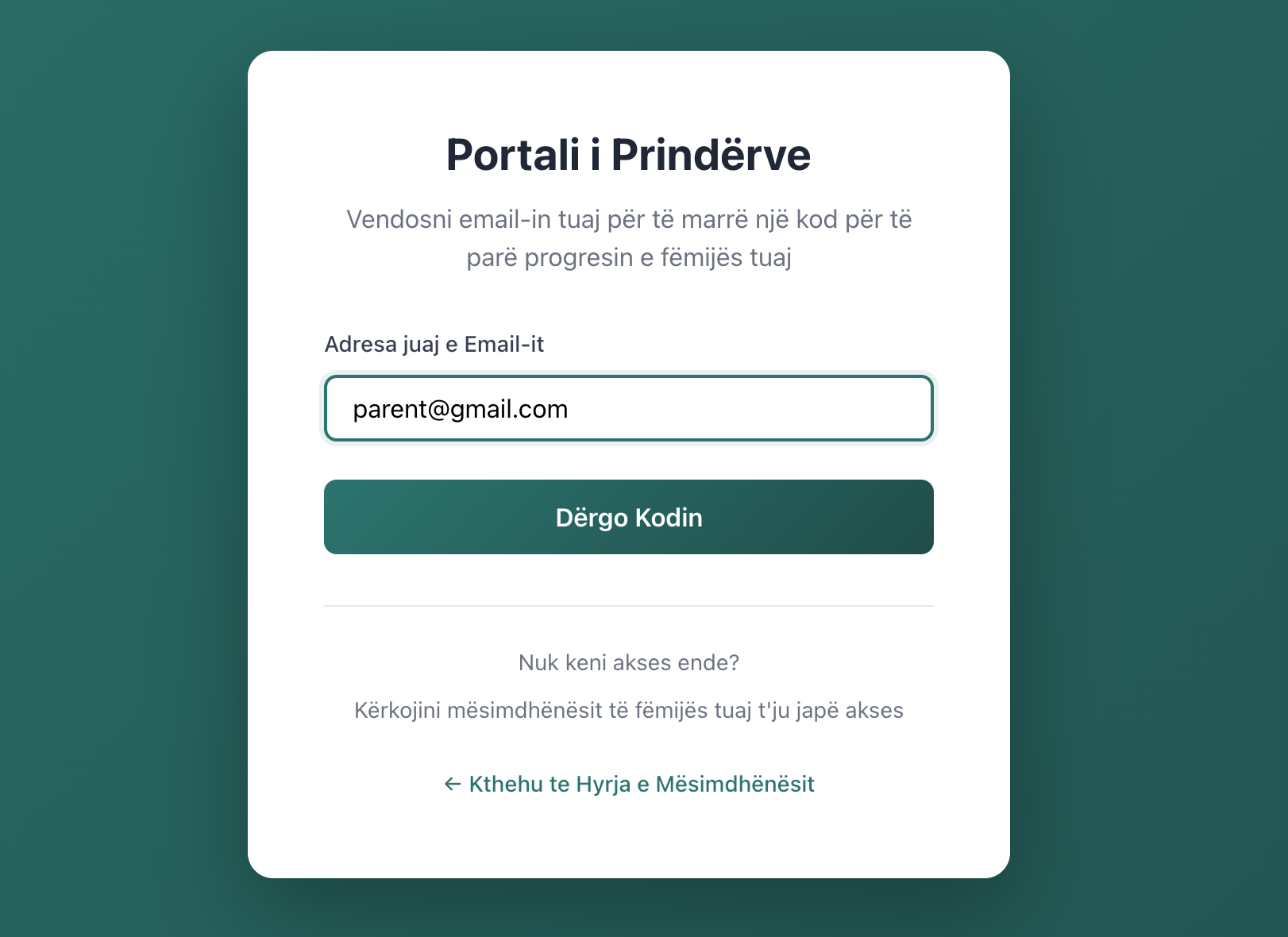
Parents log in with one code — no passwords
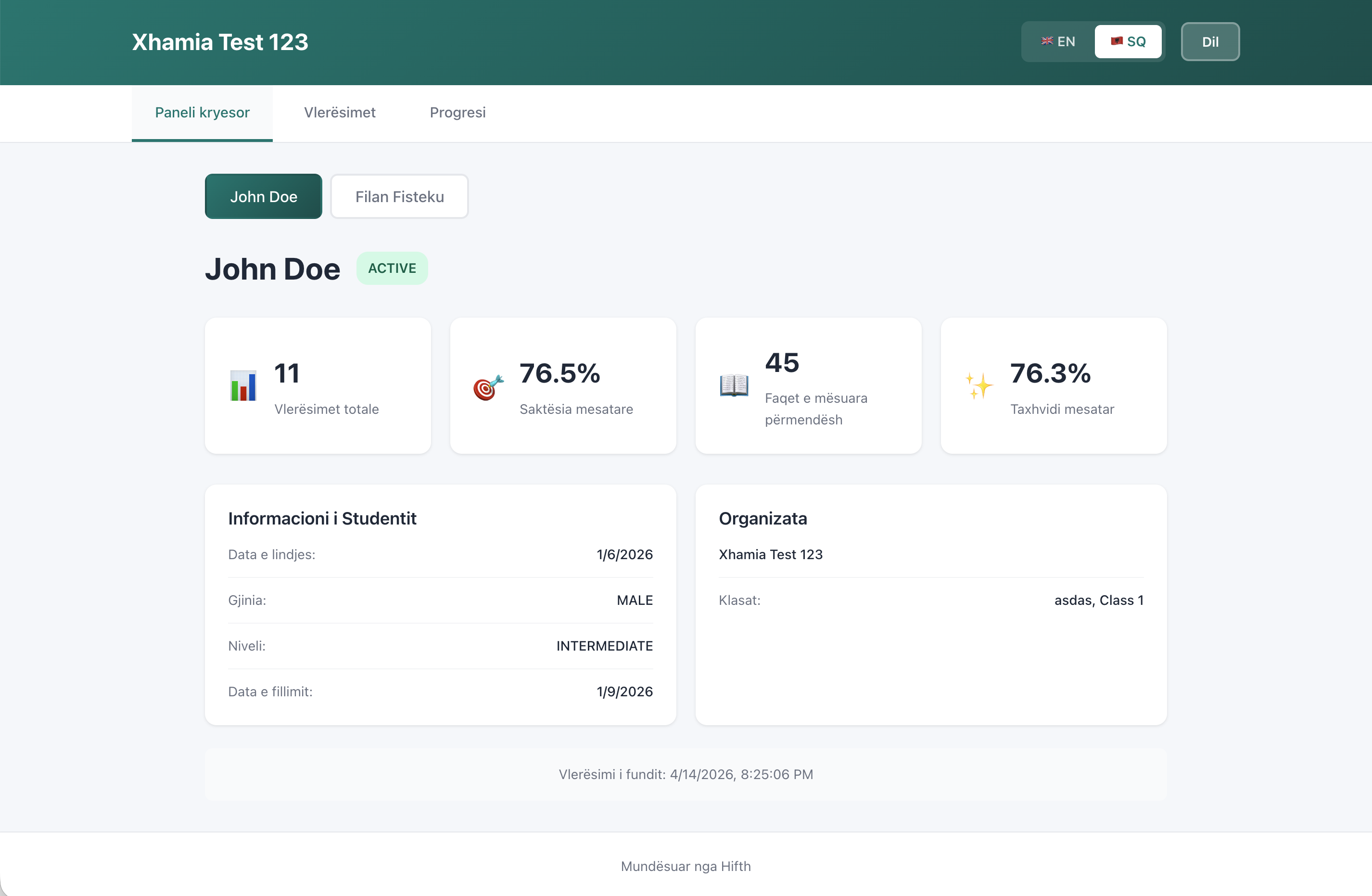
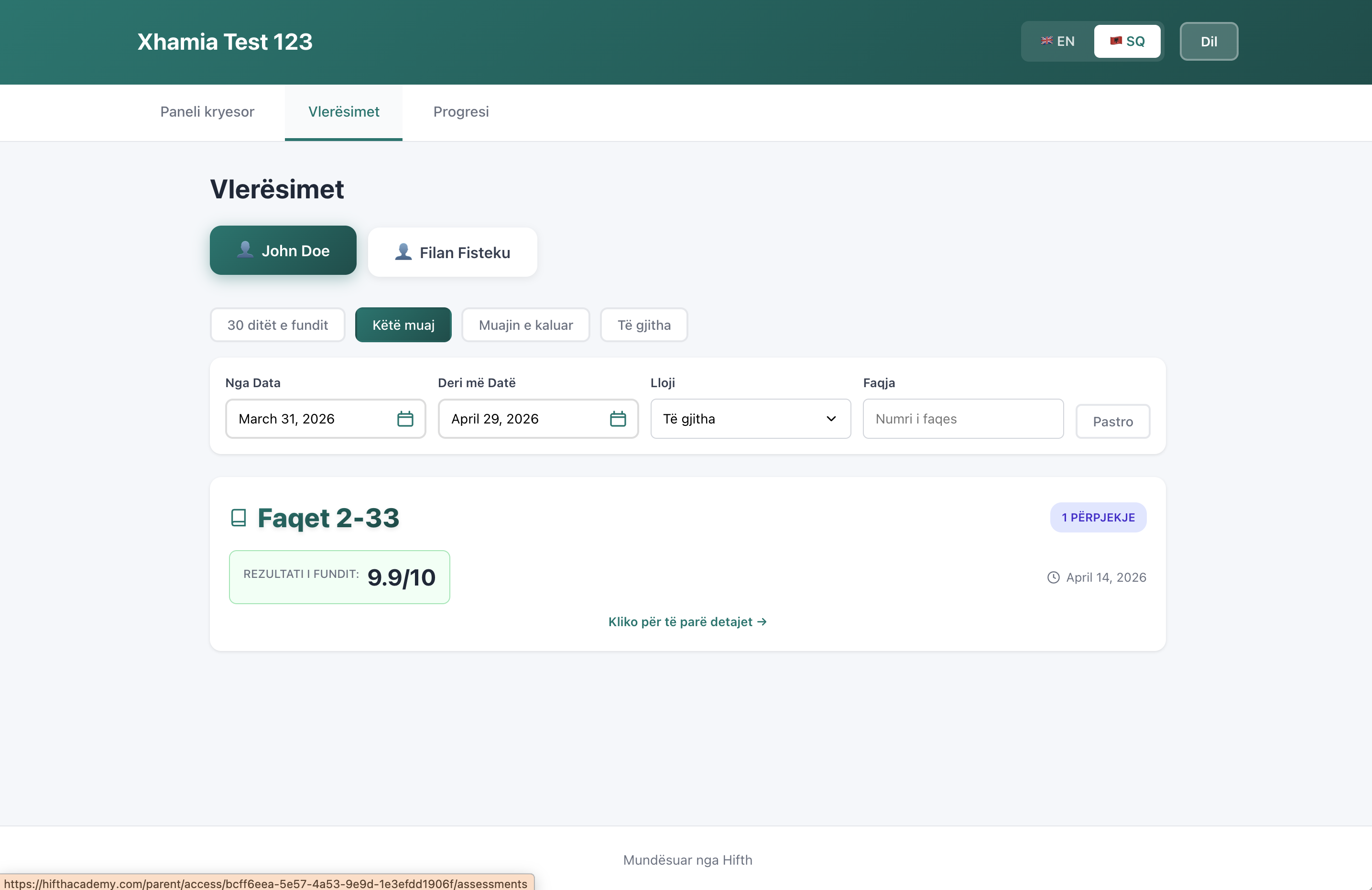
Parents enter their email and receive a one-time code. No passwords to remember, no account setup. From the portal they see their child's assessments, recordings, attendance, goals, and milestones in one place.
Email OTP login, no passwords
Unified view across multiple children
Mobile-friendly from day one
05
Key Feature
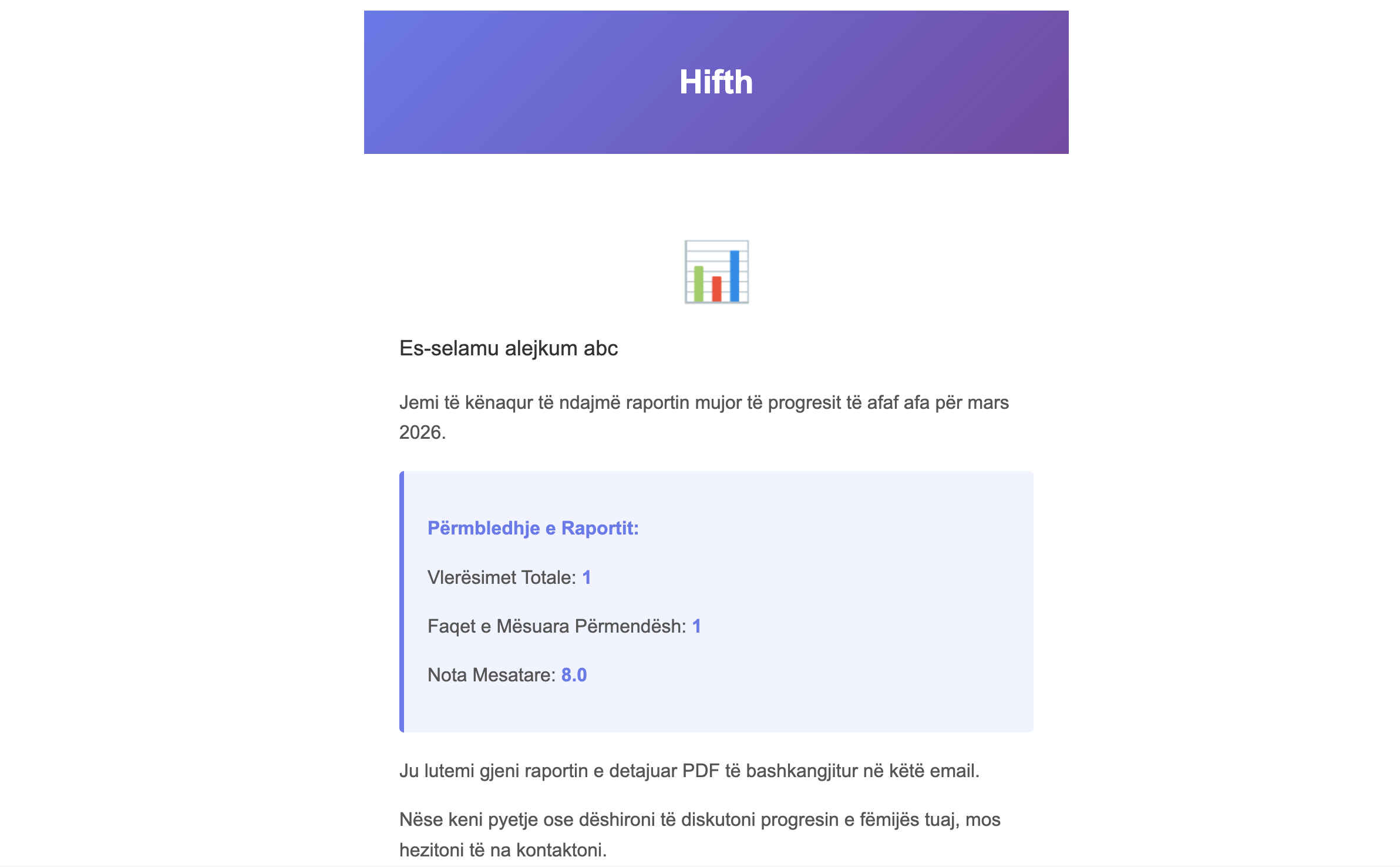
Parents get a monthly report, automatically
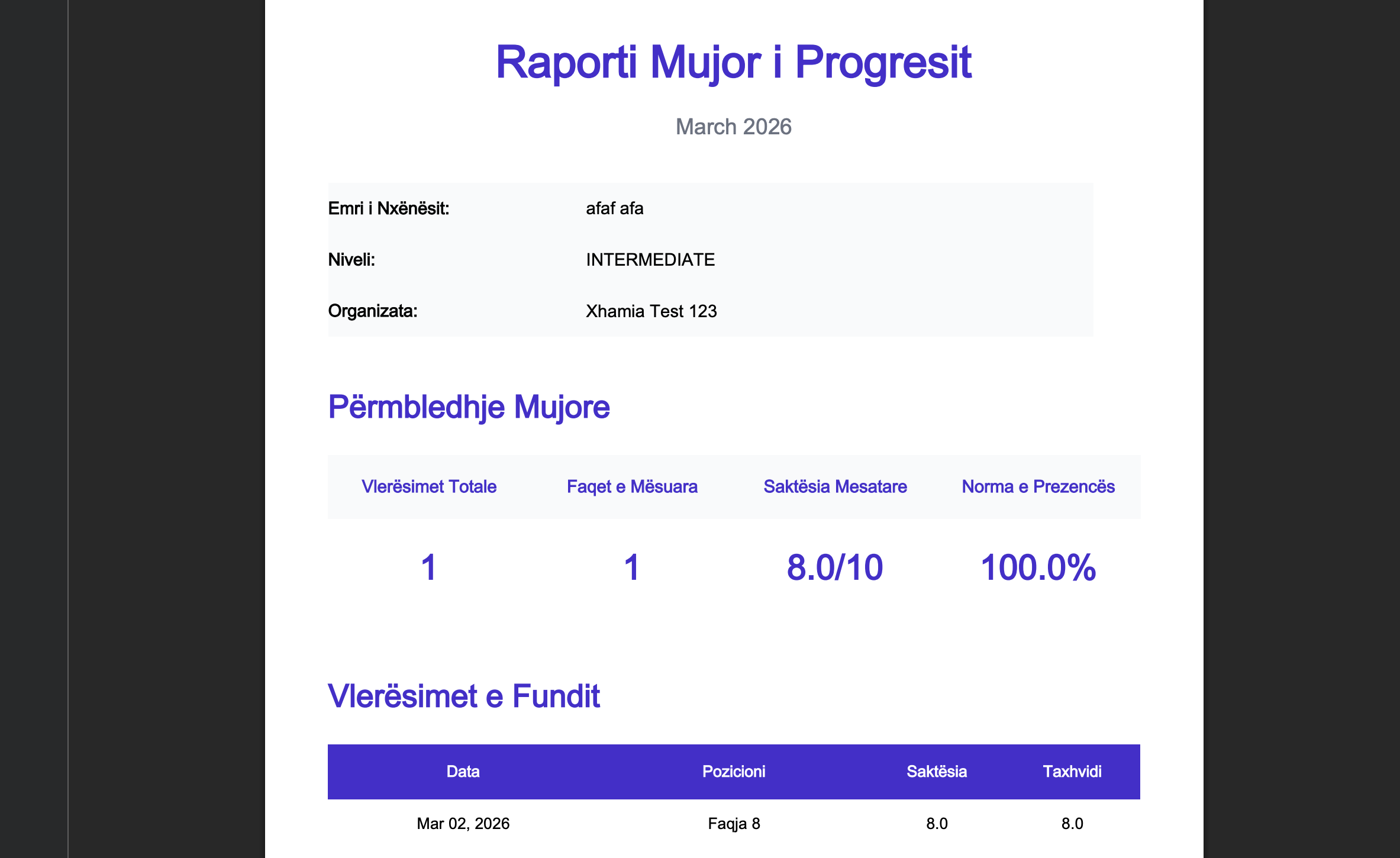
On the first of every month, each parent receives an emailed PDF covering their child's previous month — scores, attendance, goals, milestones. No manual exports. Siblings are deduplicated so families get one email, not five.
Scheduled on the 1st, no manual work
PDF with full progress breakdown
Sibling deduplication per family
06
Key Feature
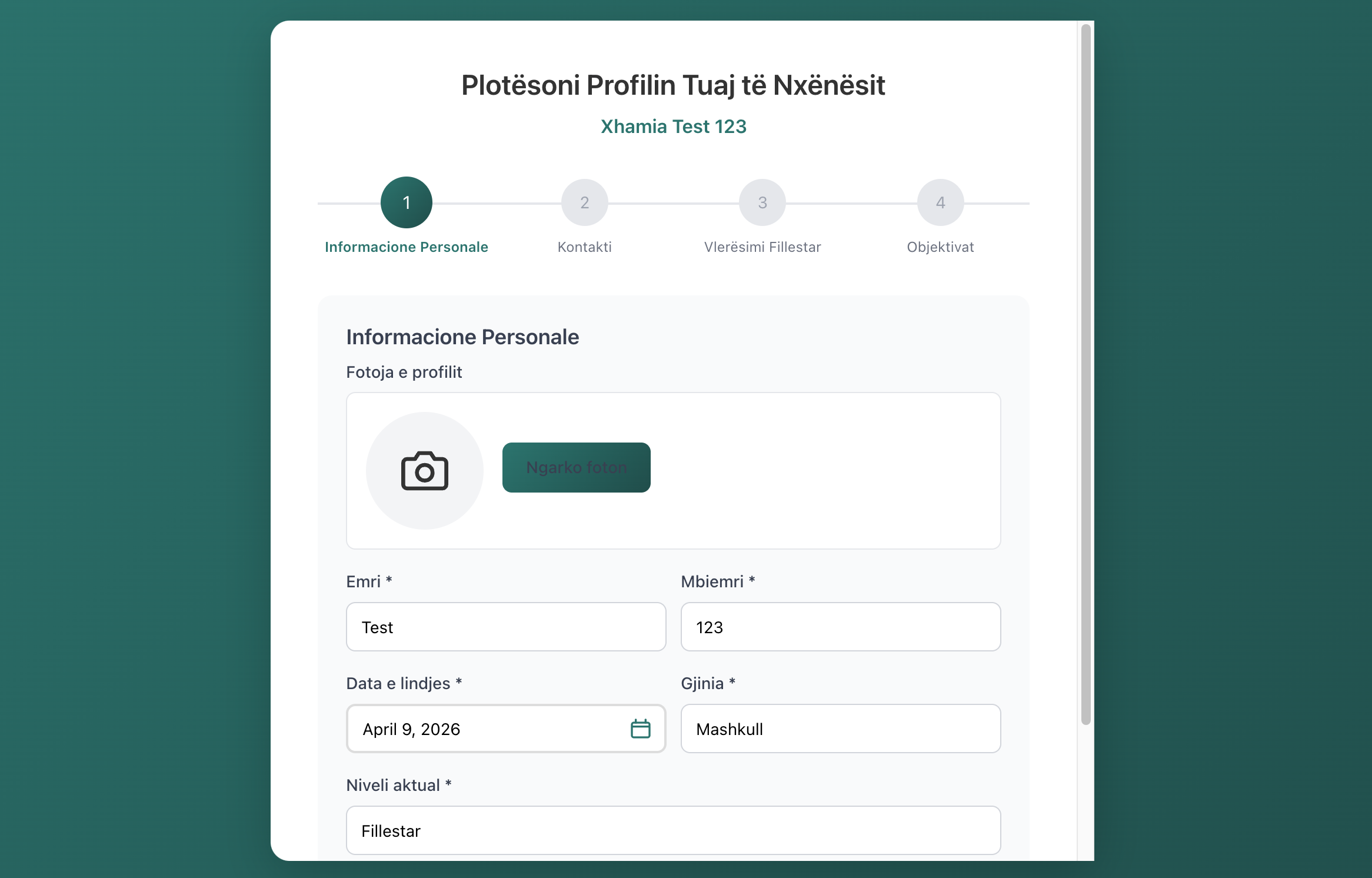
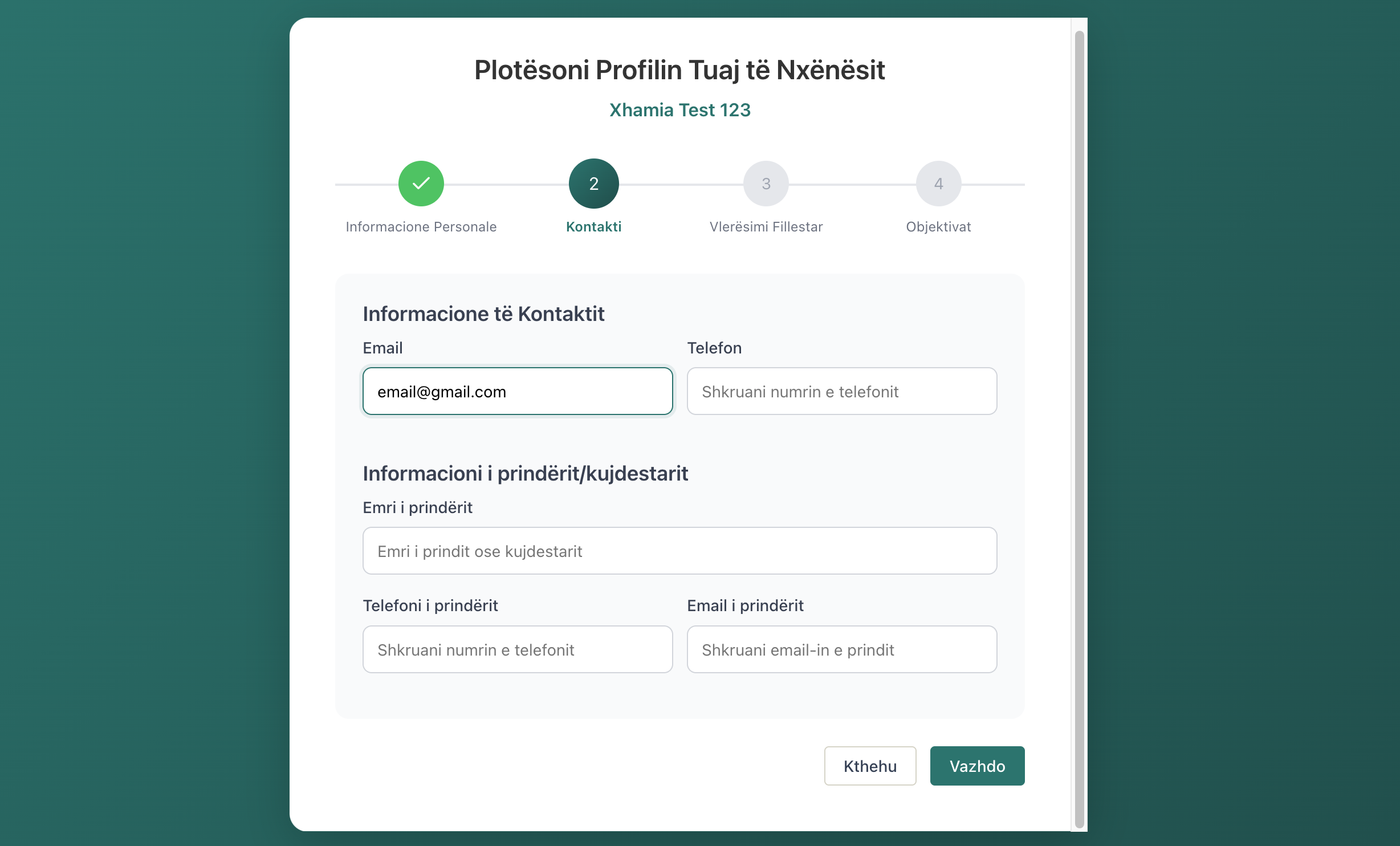
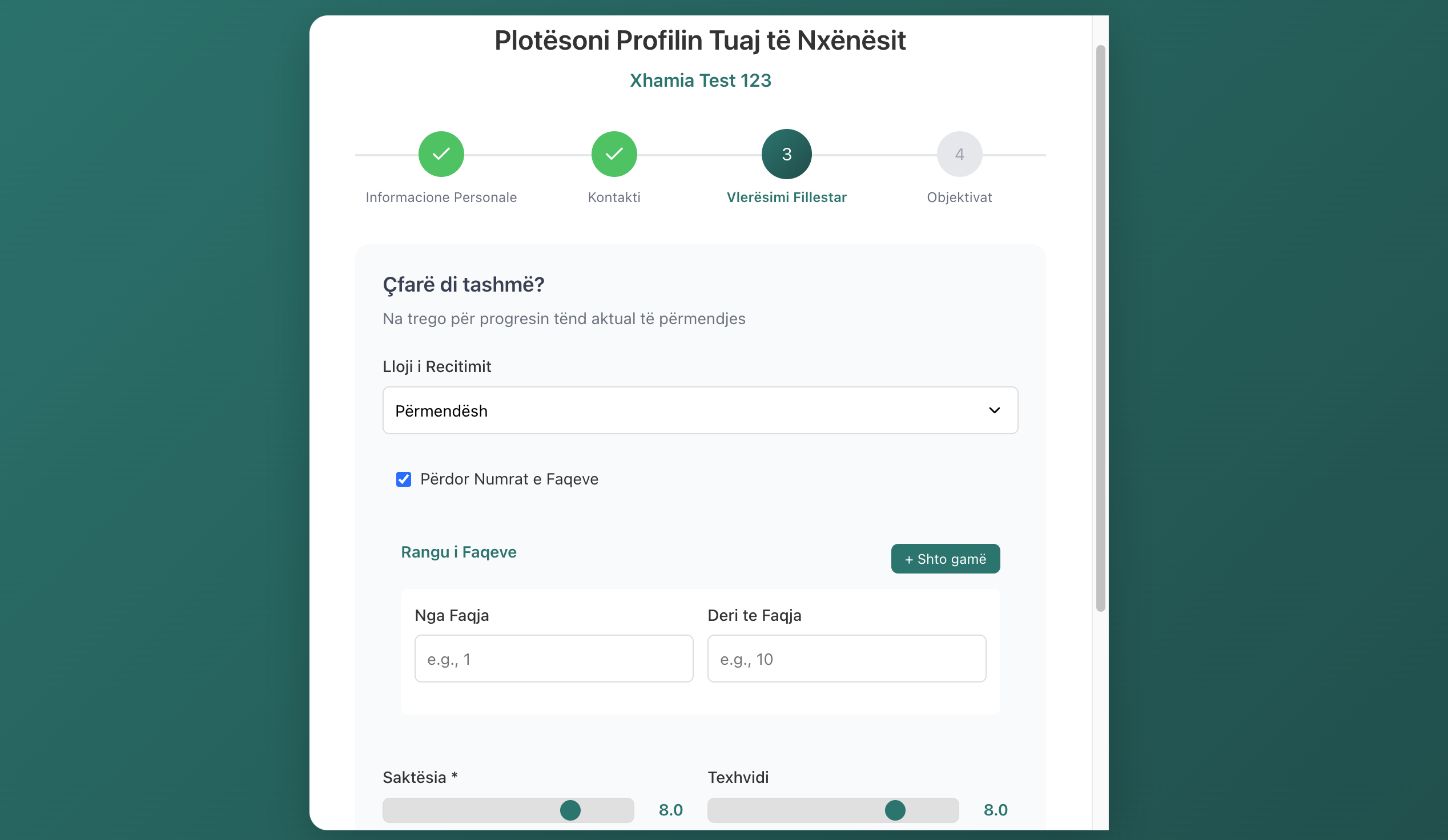
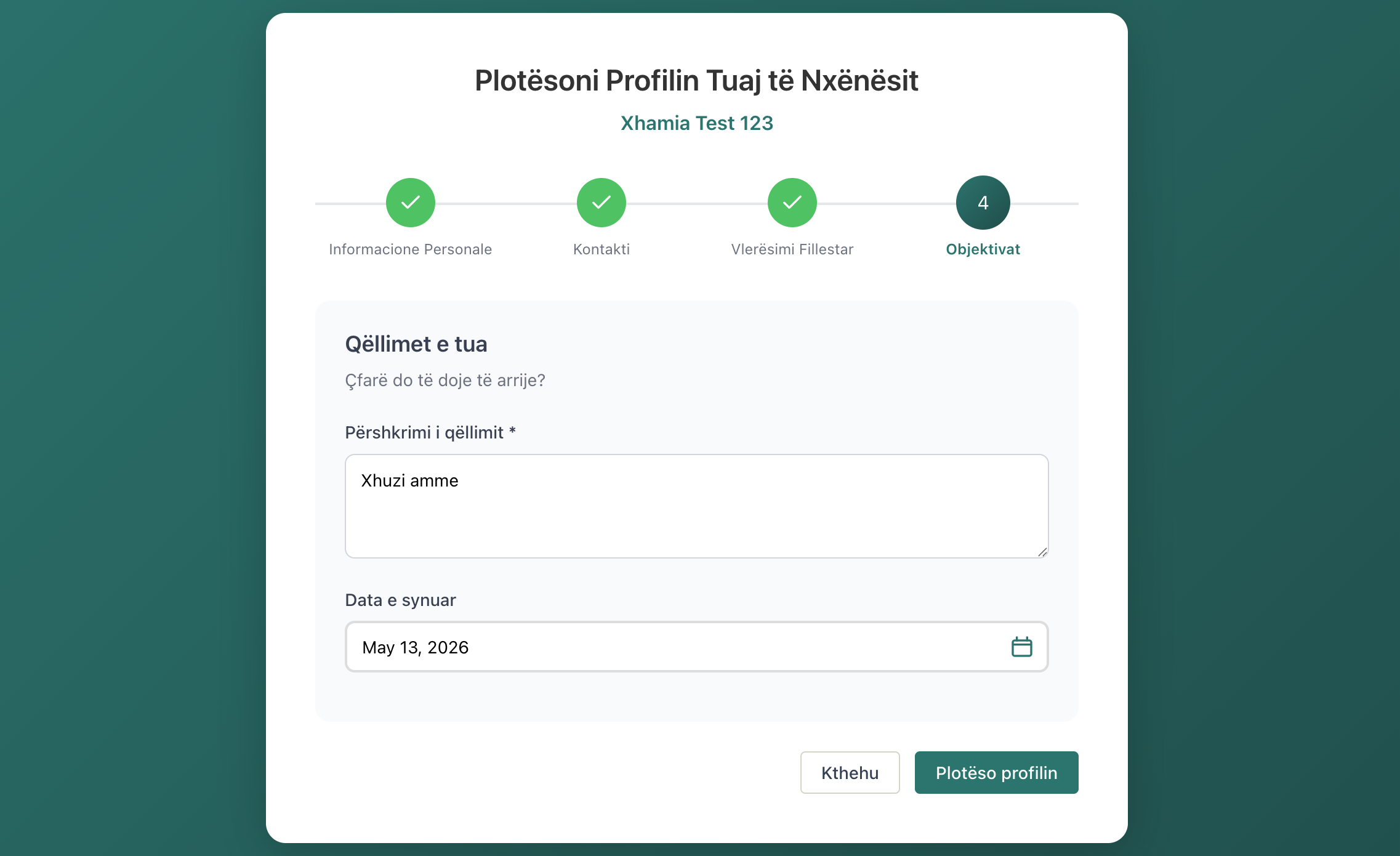
Students complete their own profile — you just share a link
When a student is registered with an email, they automatically receive an invitation to complete their own profile. A guided 4-step flow collects personal information, contact details, their starting level, and initial goals. No teacher data entry, no back-and-forth messages.
Email sent automatically on registration
4-step guided flow: info, contact, level, goals
Teacher sees completion status at a glance
07
See what is happening across your classes
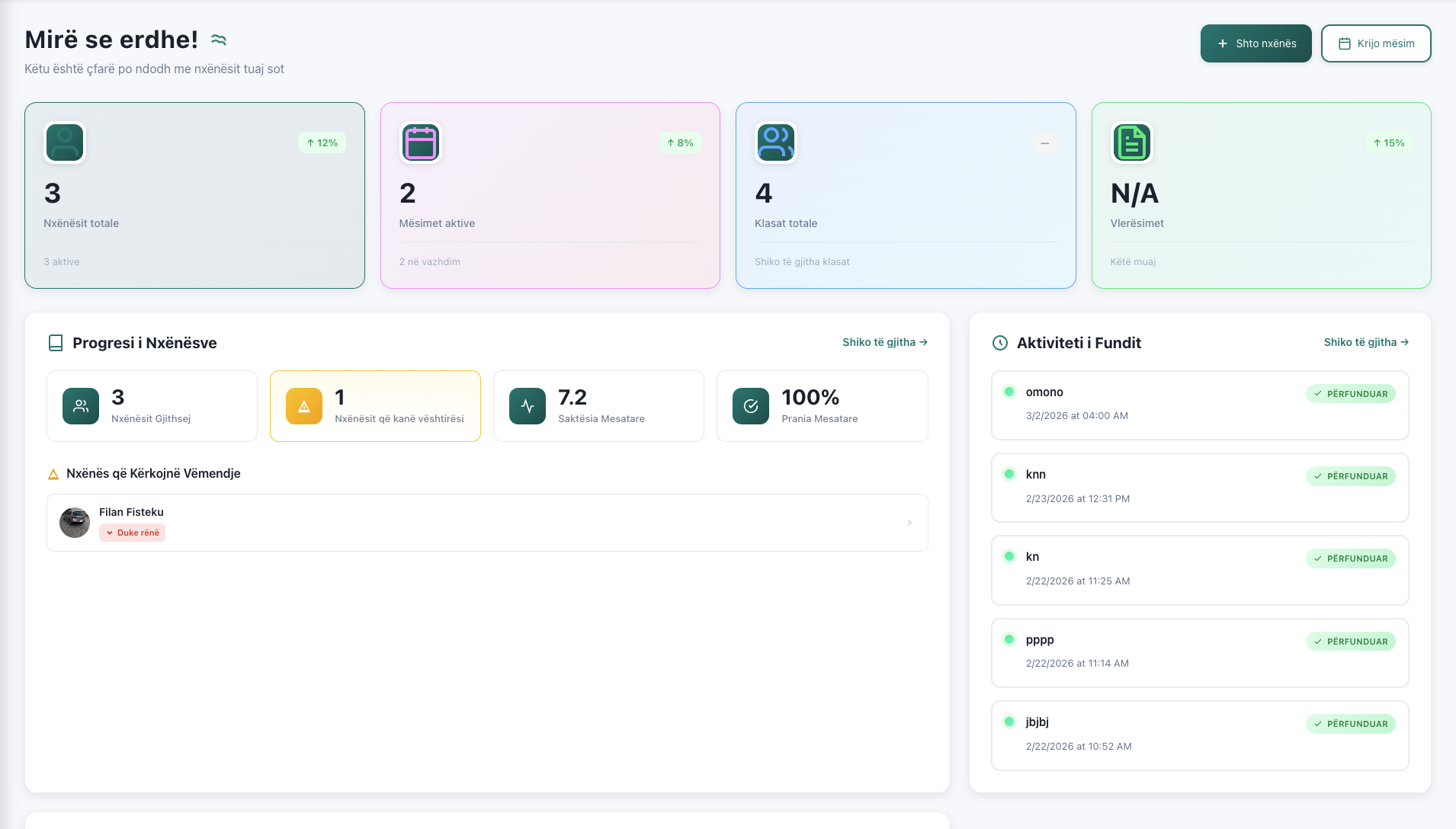
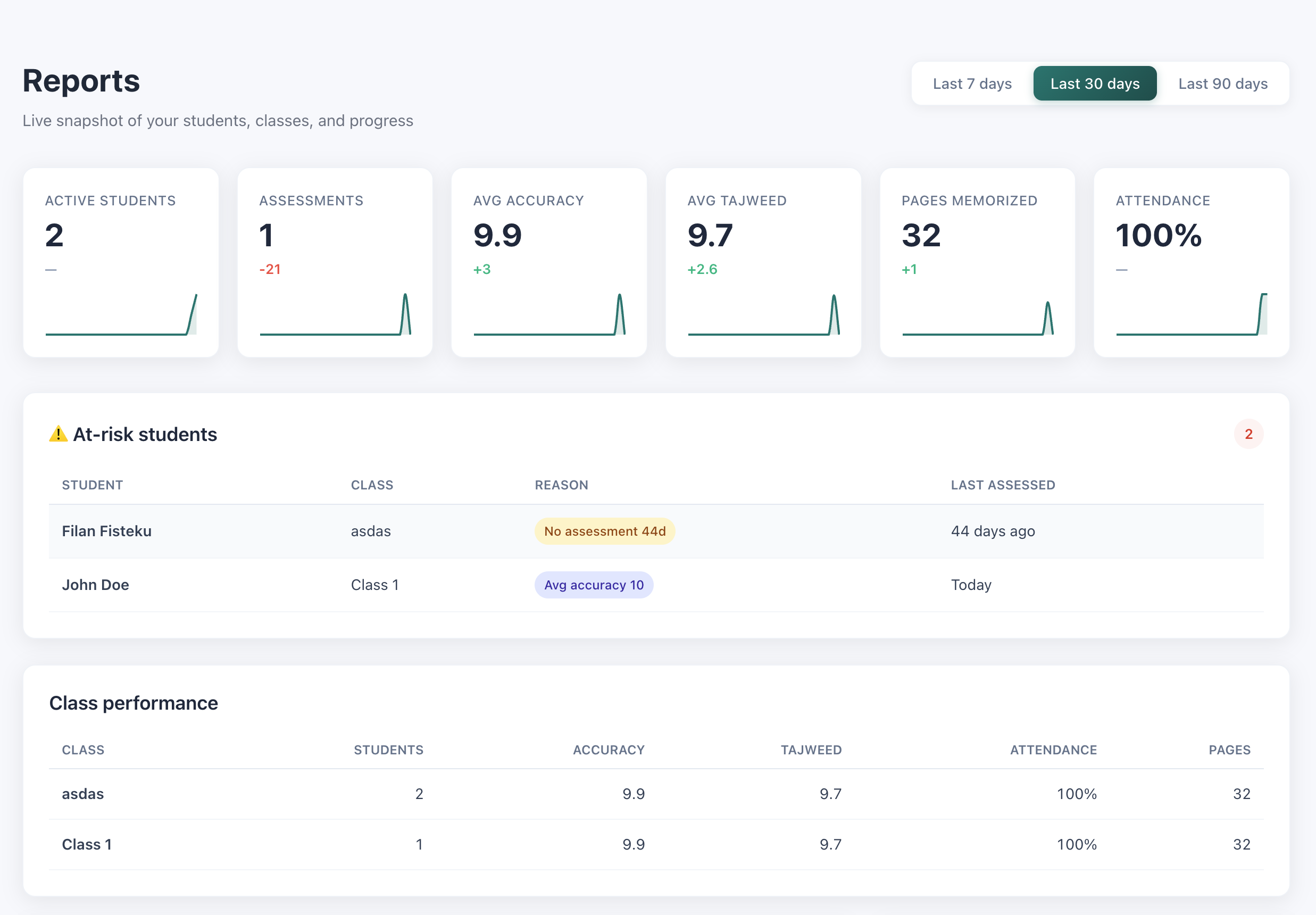
A teacher dashboard with KPIs, at-risk student detection, class performance rankings, and accuracy/tajweed trends over 7, 30, or 90 days. Spot a student falling behind before the parent has to ask.
At-risk detection with four configurable signals
Class-level performance comparison
Trend charts for accuracy and tajweed
08
Track what each student is working toward
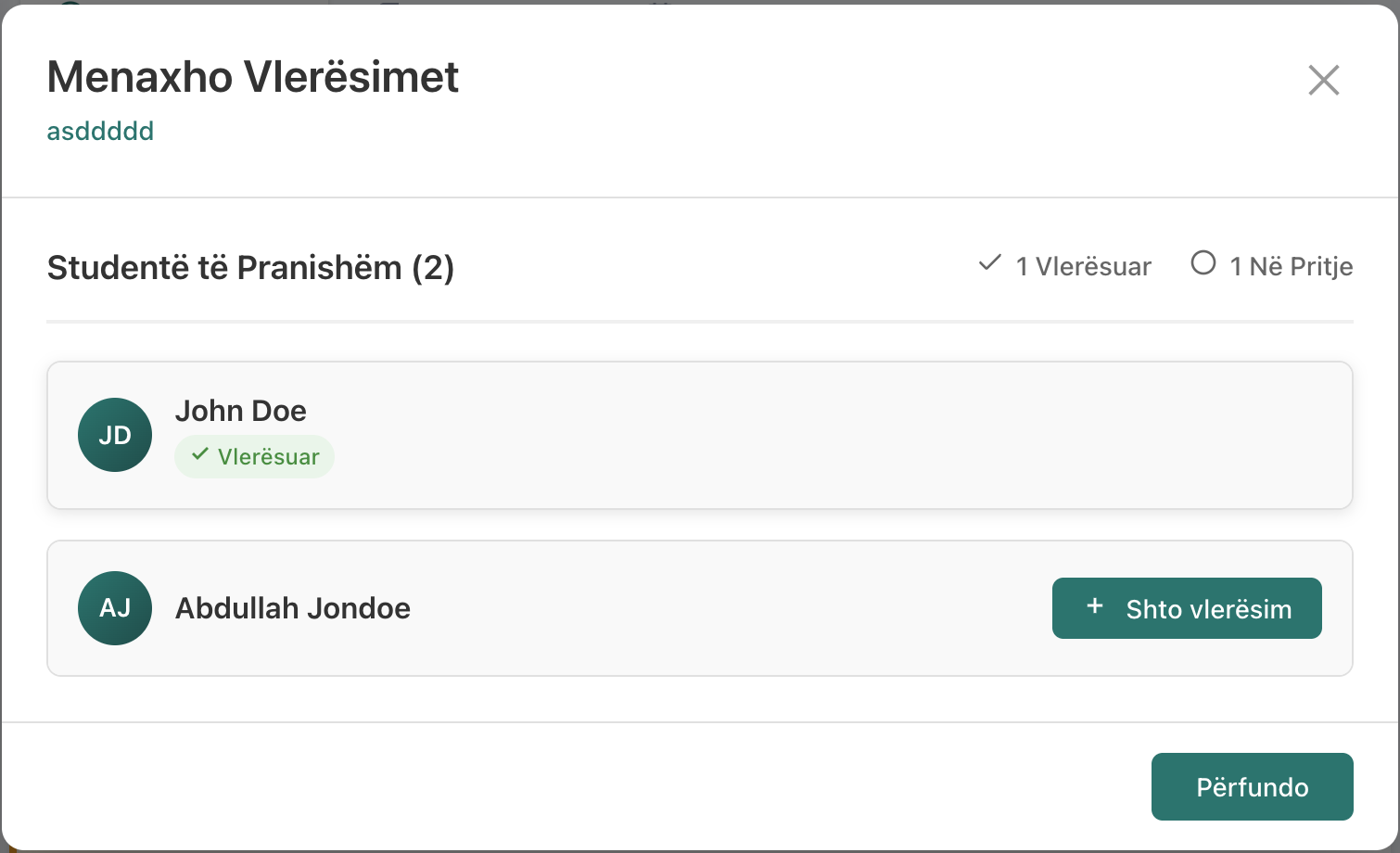
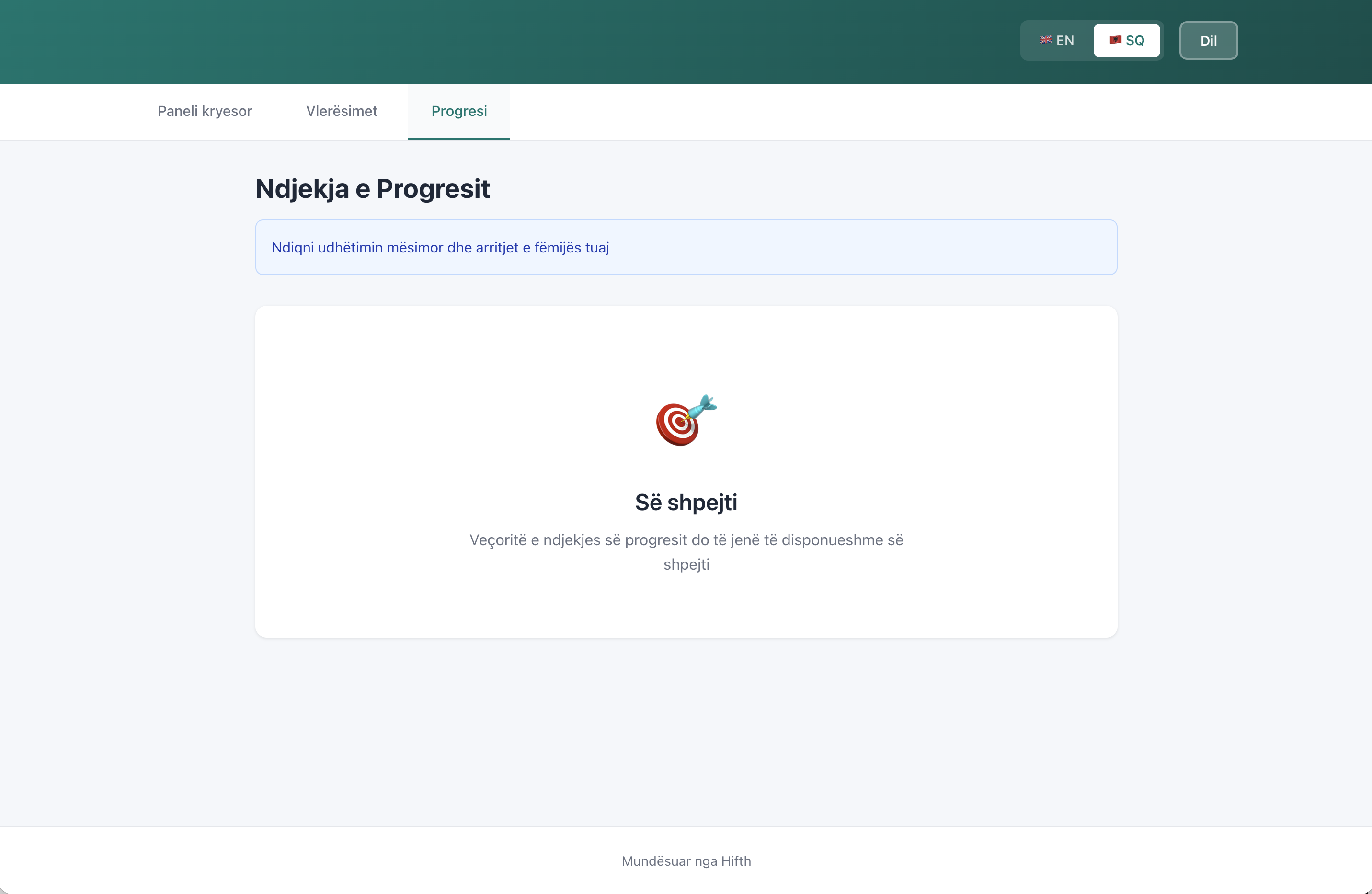
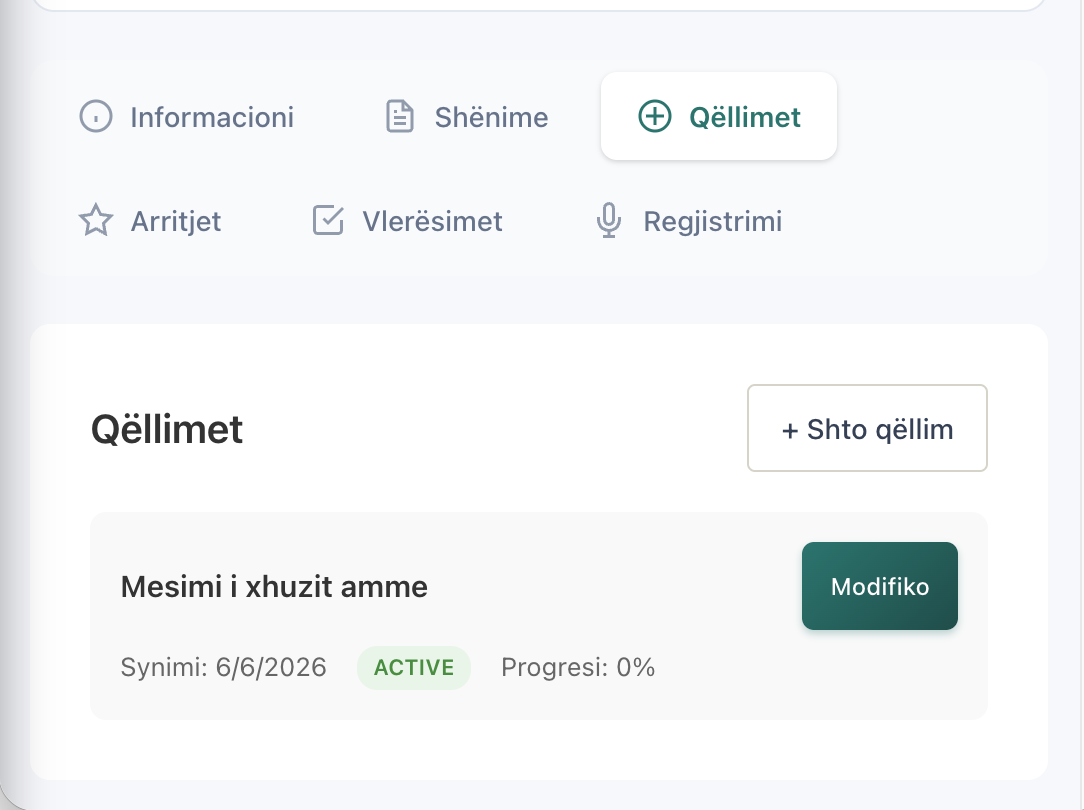
Set goals per student with progress and target dates. Record milestones when they finish a juzz, a sura, or any achievement worth remembering. Both show up in the parent's monthly report.
Per-student goals with progress percentage
Milestones with dates and types
Shown to parents in their reports
09
Built for networks of schools
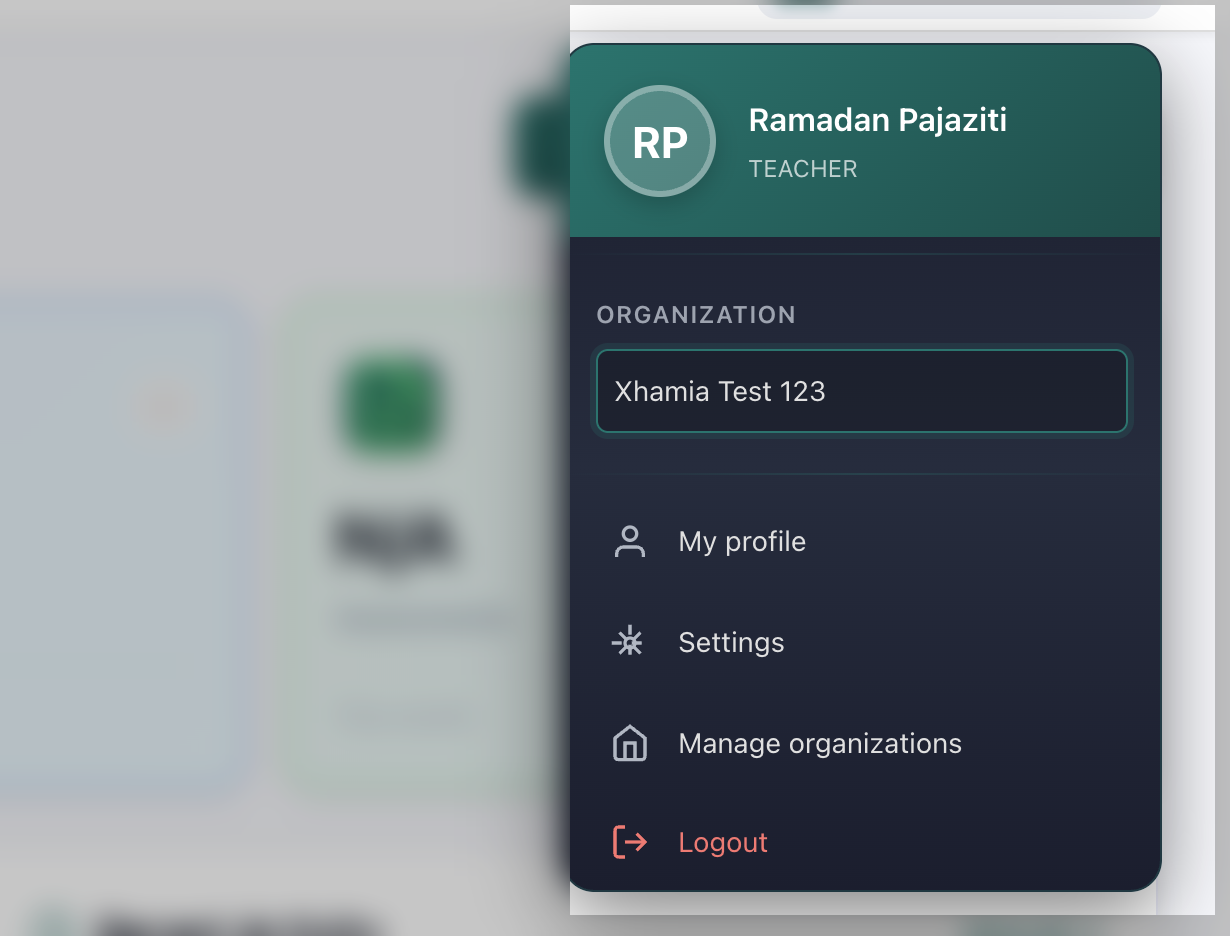
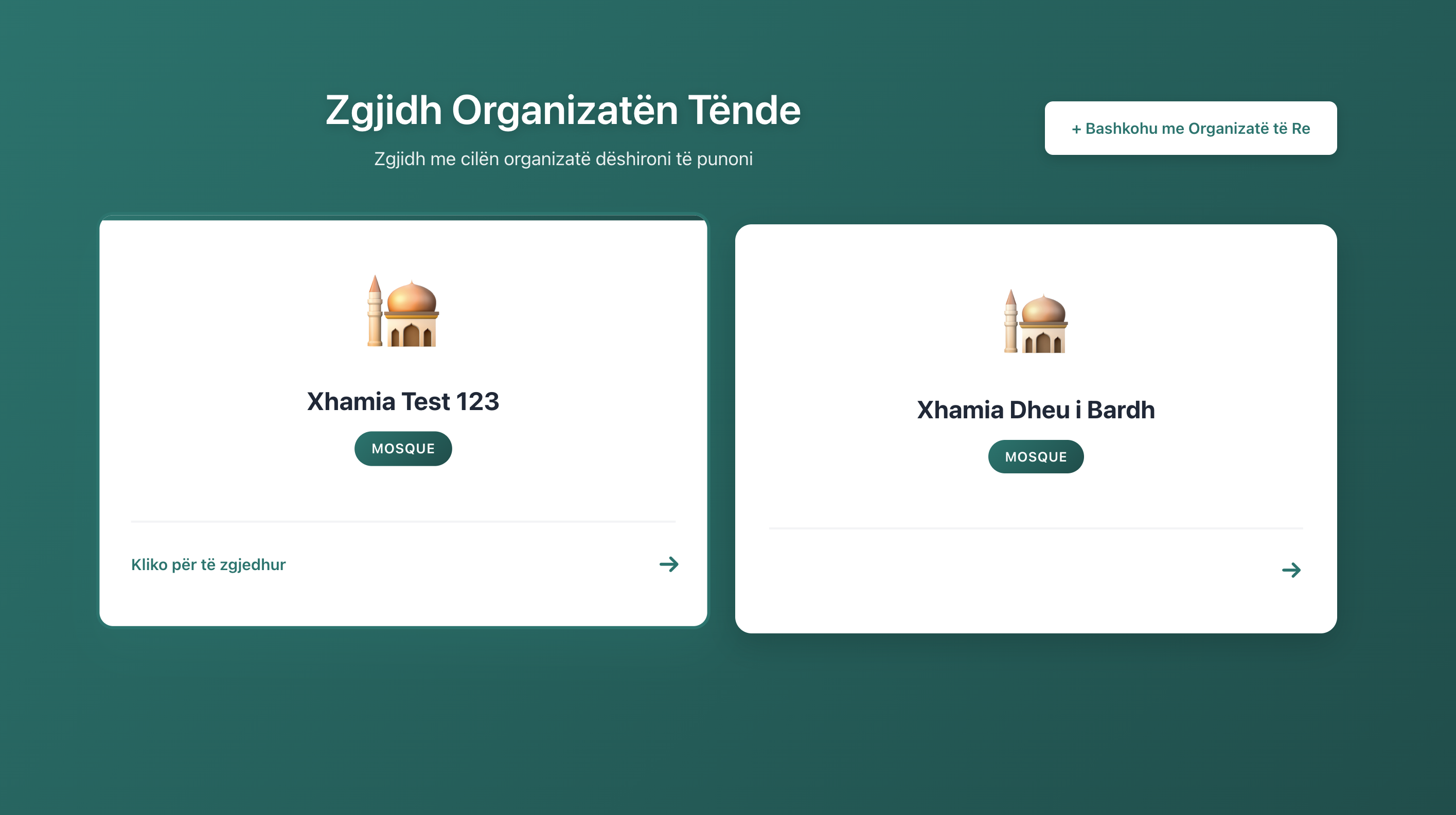
One login can manage one school or twenty. Super-admins see every organization, organization owners see their own, teachers see only their classes. Data stays scoped correctly at every layer.
Organization-scoped data
Role hierarchy: super admin, owner, teacher
Switch organizations without logging out
10
Works in your teachers' language
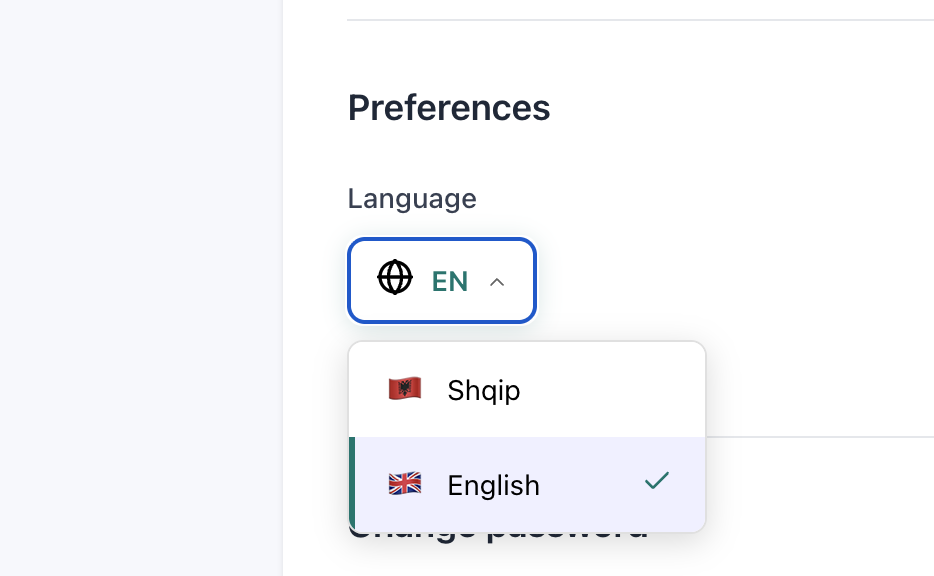
The whole interface — every button, error message, and report — is fully translated. English and Albanian ship today. Arabic is in progress and coming soon.
English — available
Albanian — available
Arabic — coming soon
Also inside
The smaller things that add up
Every detail you expect from a real product, not a prototype.
Admin panel
Manage organizations, users, and teachers from a dedicated super-admin area.
Student self-onboarding
Share a completion link and the student fills in their own profile.
Recording library
Every recording a student has ever made, in one place.
Assessment timeline
Scroll through a student's full history with filters by type and date.
Per-student notes
Private notes teachers can leave that parents never see.
Because fifteen minutes late is not the same as not showing up.
Teacher management
Invite, assign, remove — all without leaving the app.
Student profile completion flow
Parents finish registration from a link, in their own time.
Accuracy trend sparklines
Small charts everywhere so you feel trends at a glance.
Safari-compatible audio
Yes, we tested it on iPhones. Yes, it actually works.
Mobile-responsive layouts
Teachers on tablets, parents on phones, admins on desktops.
Search and filter everywhere
Find a student, a session, or an assessment in two clicks.
Class rosters
Add or remove students from a class without breaking their history.
Recurring class scheduling
Sessions recur daily, weekly, or on custom patterns. Edit one occurrence or a full series.
PDF export on demand
Admins can trigger a monthly report batch manually for any month.
Milestones feed
Celebrate wins — finishing a juzz, completing a goal, hitting a streak.
Organization settings
Name, branding, contact details — all configurable per school.
GDPR-conscious handling
Minimal data collection, clear retention, parent consent built in.
How it works
Four steps to a running school
01
We onboard your school
We create your organization, add your teachers, and set up your students. Usually takes an afternoon.
02
Students complete their profile
Teachers create students with basic info including their email. Students then receive an email to fill in the rest of their details themselves.
03
Teachers mark sessions
Teachers record assessments, attendance, and recordings after each class. No training needed — the UI mirrors how they already think.
04
Parents and admins see the picture
Parents get live portal access and monthly PDF emails. Admins get a dashboard of the whole school. Nobody is guessing anymore.
Questions
Things people ask before signing up
Do you offer a free trial?
We offer a guided demo and a pilot period for serious schools. Book a demo and we will talk through what makes sense for your size.
Can parents really use it without a password?
Yes. Parents enter their email, receive a 6-digit code, and they are in. No password to forget, no account to create, no app to install.
What languages are supported?
English and Albanian are fully translated and live today. Arabic is in active development and will ship soon.
Can I manage multiple schools from one account?
Yes. The platform is built for networks. Super admins see every school, organization owners see their own, teachers see only their classes.
What happens to our data if we leave?
It is your data. We will export it in a structured format and permanently delete it from our servers whenever you ask.
Do you host the voice recordings?
Yes, recordings are stored securely and are only accessible to the teacher, the student's parents, and authorized admins.
How do monthly parent reports work?
They are emailed automatically on the first of every month as a PDF. Covers scores, attendance, goals, and milestones for the previous month. Siblings are deduplicated so a family with three children gets one email.
Is it mobile-friendly?
Every screen works on phones and tablets. Teachers use it on tablets during class, parents use it on phones, admins use it on desktops.